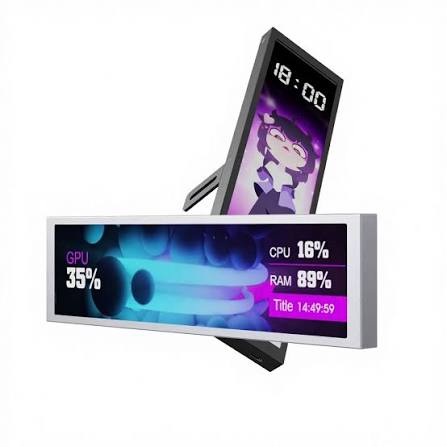
01 — Live monitoring
See temps and load without leaving your game.
Watch CPU, GPU, RAM and drive stats update in real time. If something runs hot or a frame drop hits, you'll see it at a glance.
VYRO Pulse · 9.16" side display
A slim 1920×462 IPS screen that sits inside or beside your build and shows CPU, GPU, RAM, temps and FPS while you play. No more alt-tabbing to check.

Why people add one
You put real thought into your parts, cooling and cable management. The Pulse puts all of that on display and shows what's going on inside your PC.
01 — Live monitoring
Watch CPU, GPU, RAM and drive stats update in real time. If something runs hot or a frame drop hits, you'll see it at a glance.
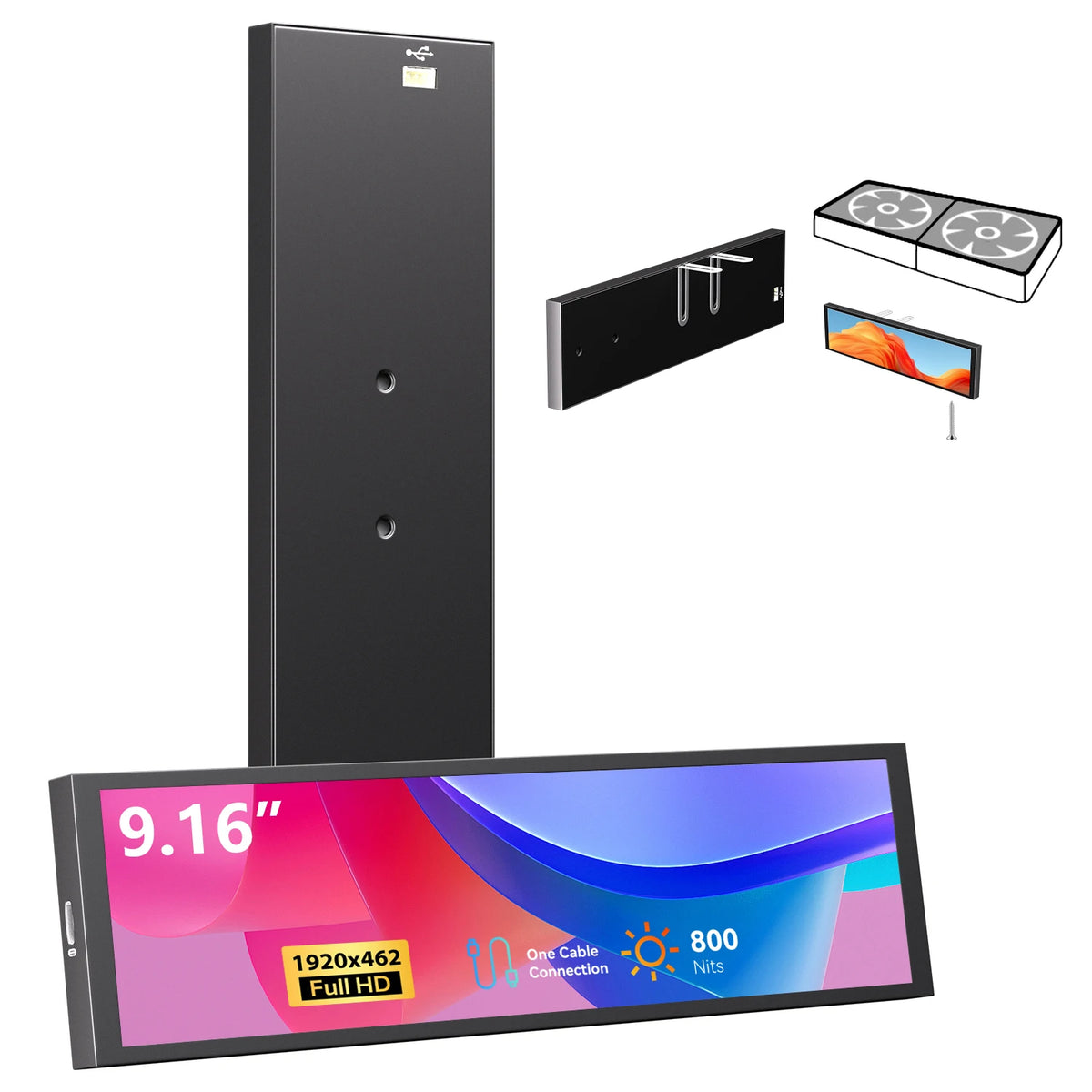
02 — Wide and sharp
At 1920×462, the IPS panel stays crisp and readable from your chair. Its long, slim shape fits along a side panel, below a GPU, or on your desk.
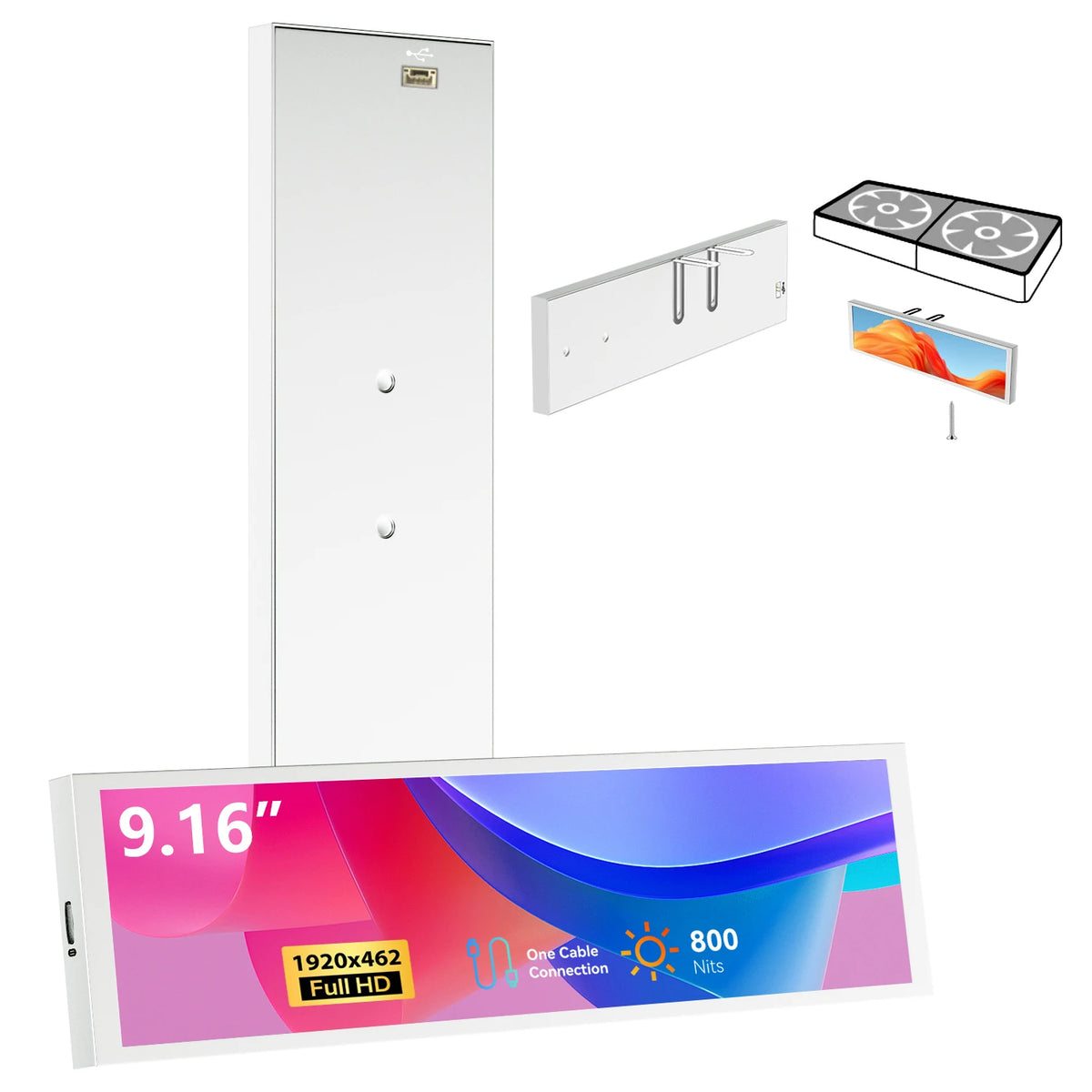
03 — Make it yours
Choose Neon Black or Pearl White to match your case, then set the display to show the stats, visuals or weather you care about.
On screen
The Pulse displays your system information. Mix and match whatever you like.
VYRO Pulse $69.99$79.99
Specs
Questions
The screen is about 9" wide when measured diagonally. Check how much room your case has, or plan to set it on your desk next to your PC.
It connects with USB Type-C. Make sure your PC has a free USB port or an internal header you can use.
To show system stats, the display needs monitoring software running on your PC. Check that it works with your system before you buy.
Neon Black blends in with dark builds and tempered-glass cases. Pearl White is the better fit for white or light-colored setups.
